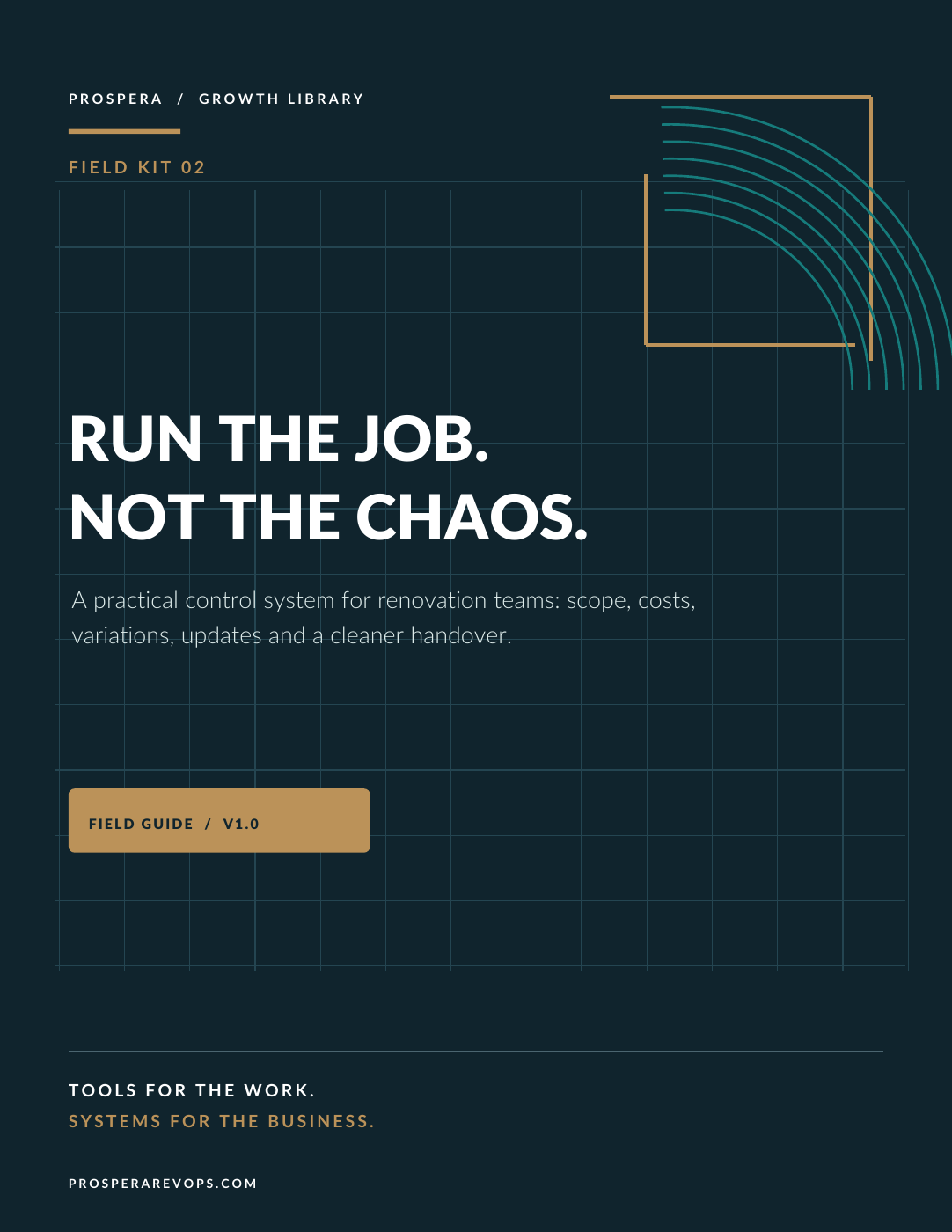
Field Kit 02 · For renovation teams
The job is won.
Now keep the answers together.
What was included? Who approved the upgrade? What has been spent? What happens next week?
When the answers live in different text threads and in the owner's head, a good job gets harder to manage. The Renovation Project Control Kit gives those answers a place to stay visible.

Secure checkout and file delivery on Gumroad. Applicable tax appears at checkout. 14-day refund requests.
A practical place to start
Friday should tell you where the job stands.
Start with the agreed scope. Record changes and the evidence of approval. Update the same cost row as it moves from committed to paid. Then bring the week's decisions and next steps into view.
The kit connects these habits through files you control. Copy the workbook for each job and adapt the forms to your business.
- The field guide
15 pages covering seven moments from accepted job to handover.
- Eight working forms
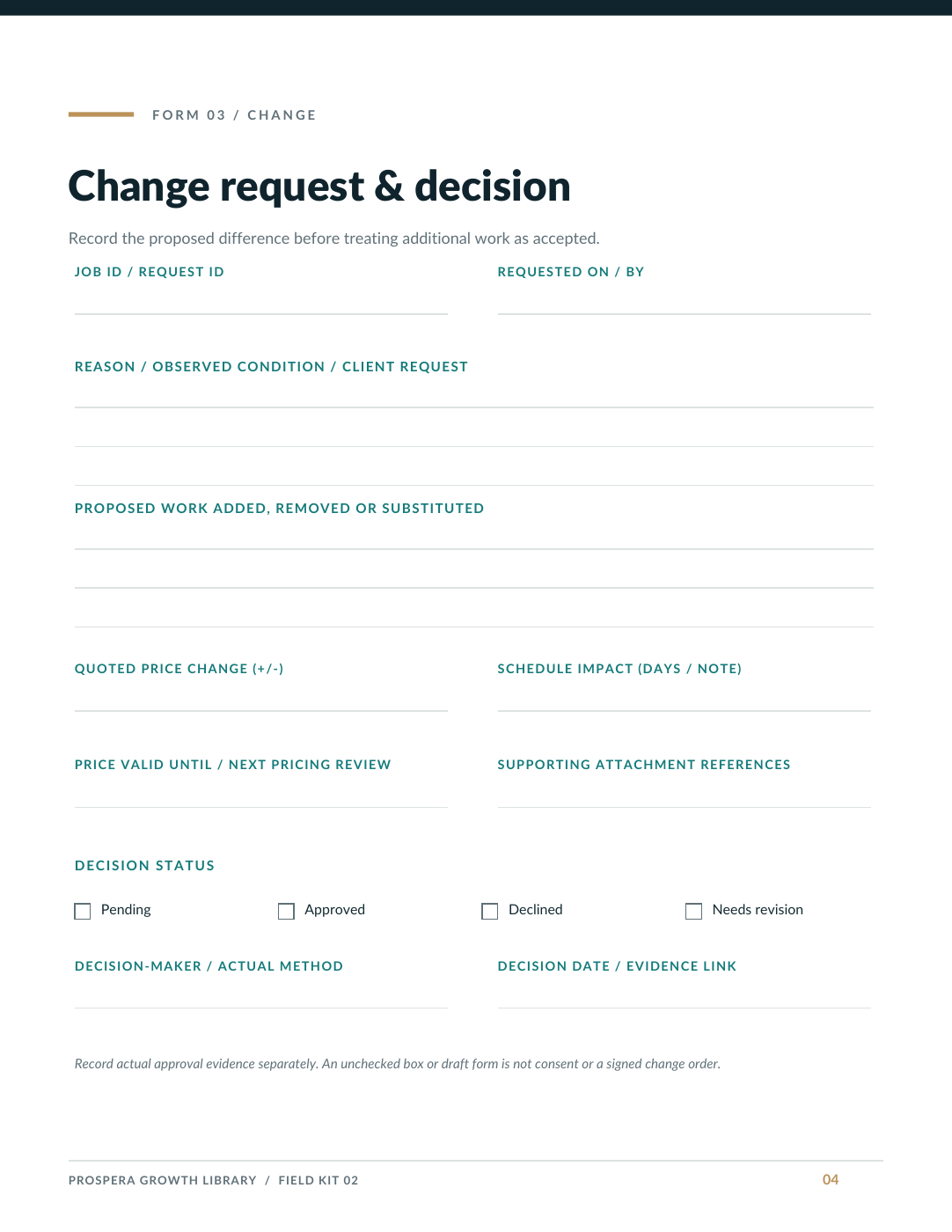
Kickoff brief, scope and allowance map, change request, weekly update, daily log, milestone and invoice tracker, punch list and handover record.
- Print or edit
A 10-page printable PDF pack and the same eight forms in an editable Word document.
- The project dashboard
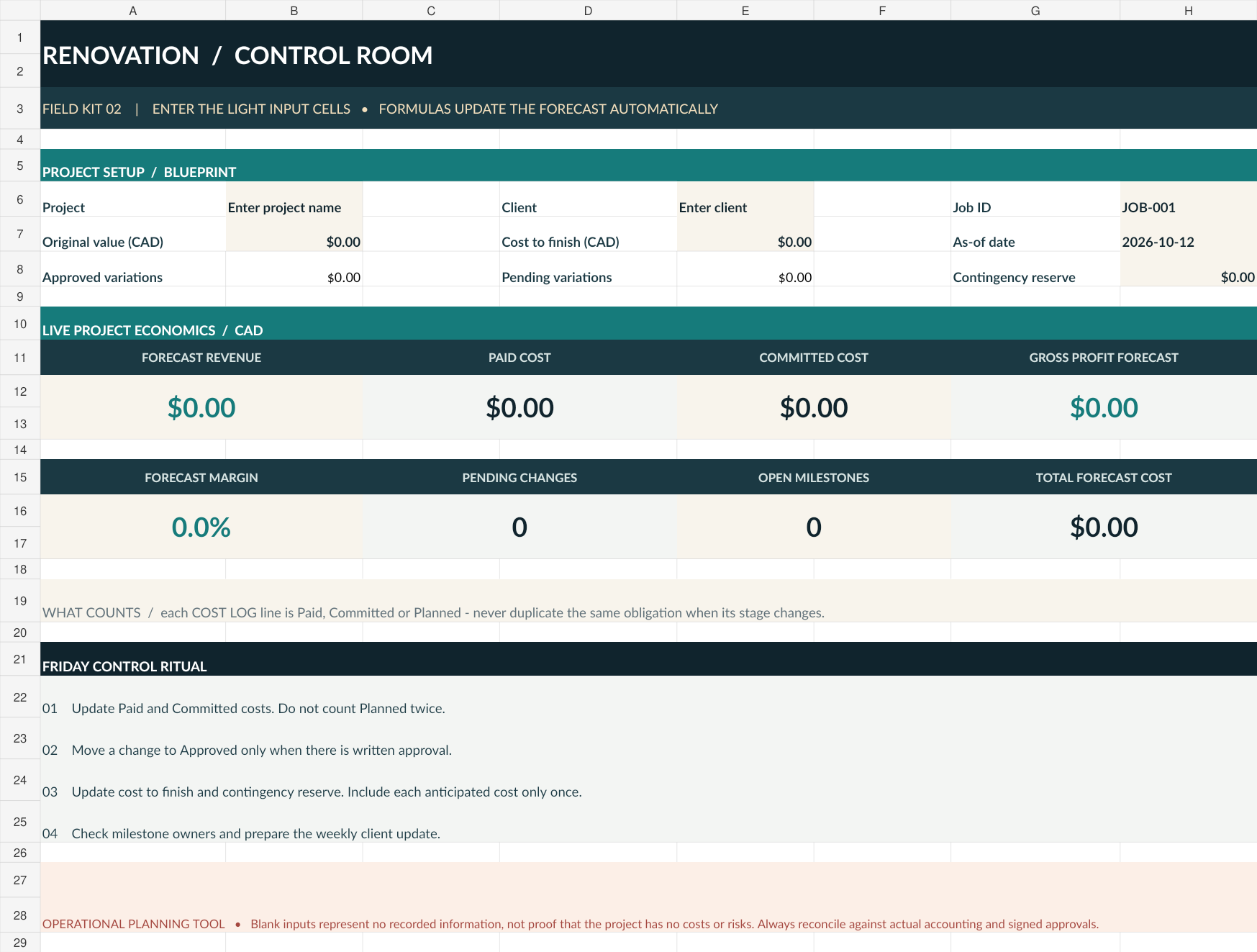
Five Excel sheets: Control Room, Cost Log, Variations, Milestones and How to Use.
- A clear starting point
Three-page quickstart and a one-business use license, together in one ZIP download.
Look inside
See the Control Room you will work from.
The blank template starts at zero. Enter your project's real values; blank inputs mean information has not been recorded.
The free sample includes a preview of the method and tools. Its example project and figures are fictional teaching examples.
Download the free sampleBefore you buy
Files for the work you already do.
Use a PDF reader, a Word-compatible editor and an Excel-compatible spreadsheet editor. The PDFs are standard documents for reading and printing; the Word forms and Excel workbook are editable. Formula and formatting support varies by application.
These are operational organization tools. Adapt them to your actual agreements and requirements. They do not replace construction contracts, accounting, tax, safety or permitting advice, and no business result is guaranteed.
One business. One purchase.
Use and adapt the kit inside one purchasing business, including completed forms for its client projects. Source-template resale and redistribution are not permitted. Audio, video, software access and subscriptions are not included.
For file help or a refund request within 14 days, email cory@prosperarevops.com with your order reference.
When the business needs more
Build the workflow around the forms.
If you want help connecting the people, decisions and systems around your projects, explore Prospera RevOps services. Buying this kit does not enroll you in a service or subscription.